To sync Crisp tickets to Leanbase Compass, you need to input your Crisp Identifier, Key, and Website ID. To get your Crisp Identifier, Key, and Website ID, here is how you can find each:
-
To connect Crisp to Leanbase Compass
Open Leanbase Compass
Navigate to Configuration tab
Open Channel tab, click to Connect new channel
-
Select Crisp and fill in below credentials
This below is guide how to check your credentials
Note: Please ensure to log in your Crisp account before hitting the button Connect Crisp in order to connect successfully.
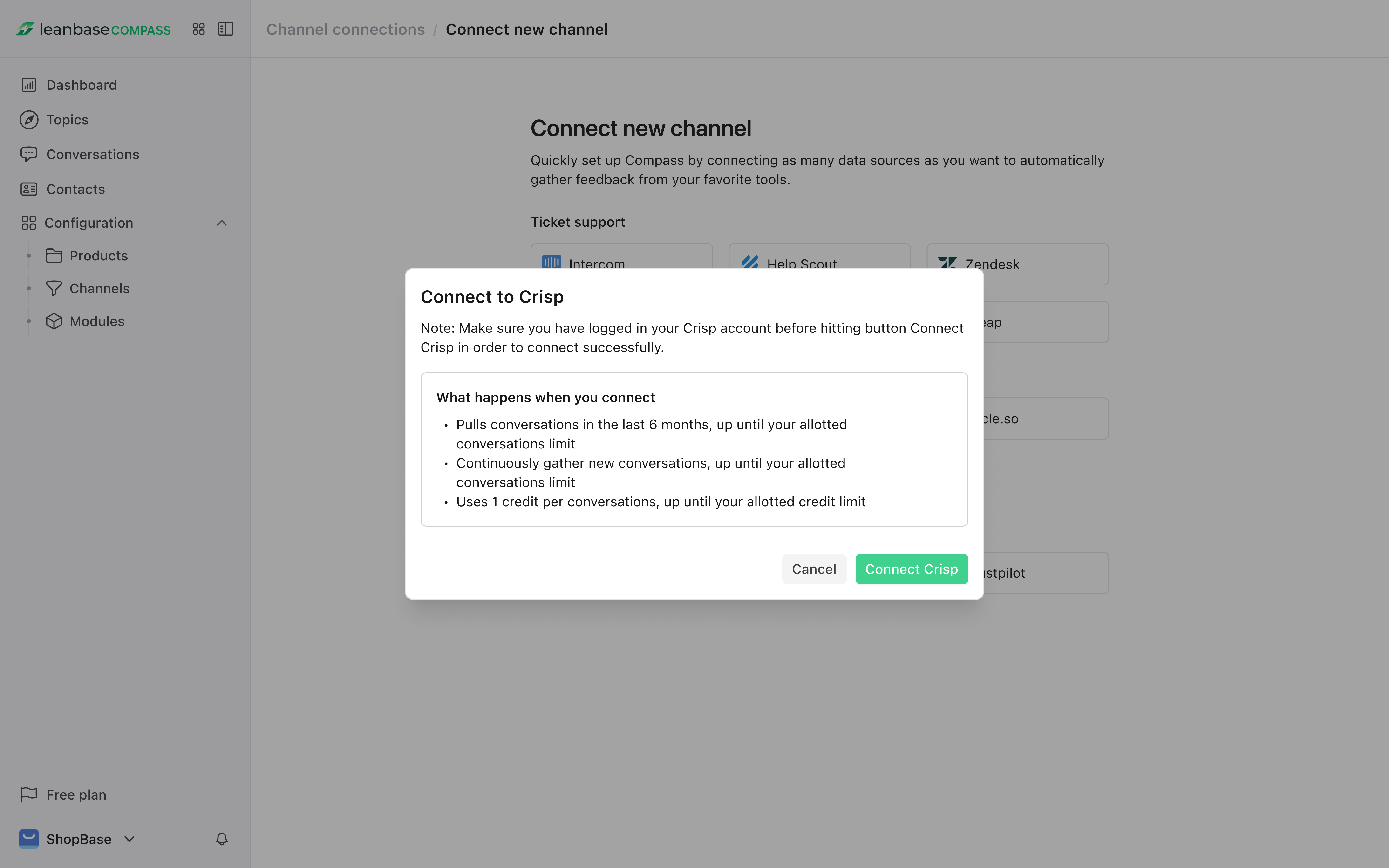
Note:
Pulls conversations in the last 6 months, up until your allotted conversations limit
Continuously gather new conversations, up until your allotted conversations limit
Uses 1 credit per conversations, up until your allotted credit limit