Programs in Leanbase simplify managing multiple boards, tasks, and workflows, keeping large projects, cross-team efforts, or company-wide initiatives organized and connected.
Program in Leanbase helps you organize and manage multiple boards, tasks, and workflows under one unified structure. It’s ideal for overseeing large projects, cross-functional initiatives, or company-wide efforts.
View All Program Tasks
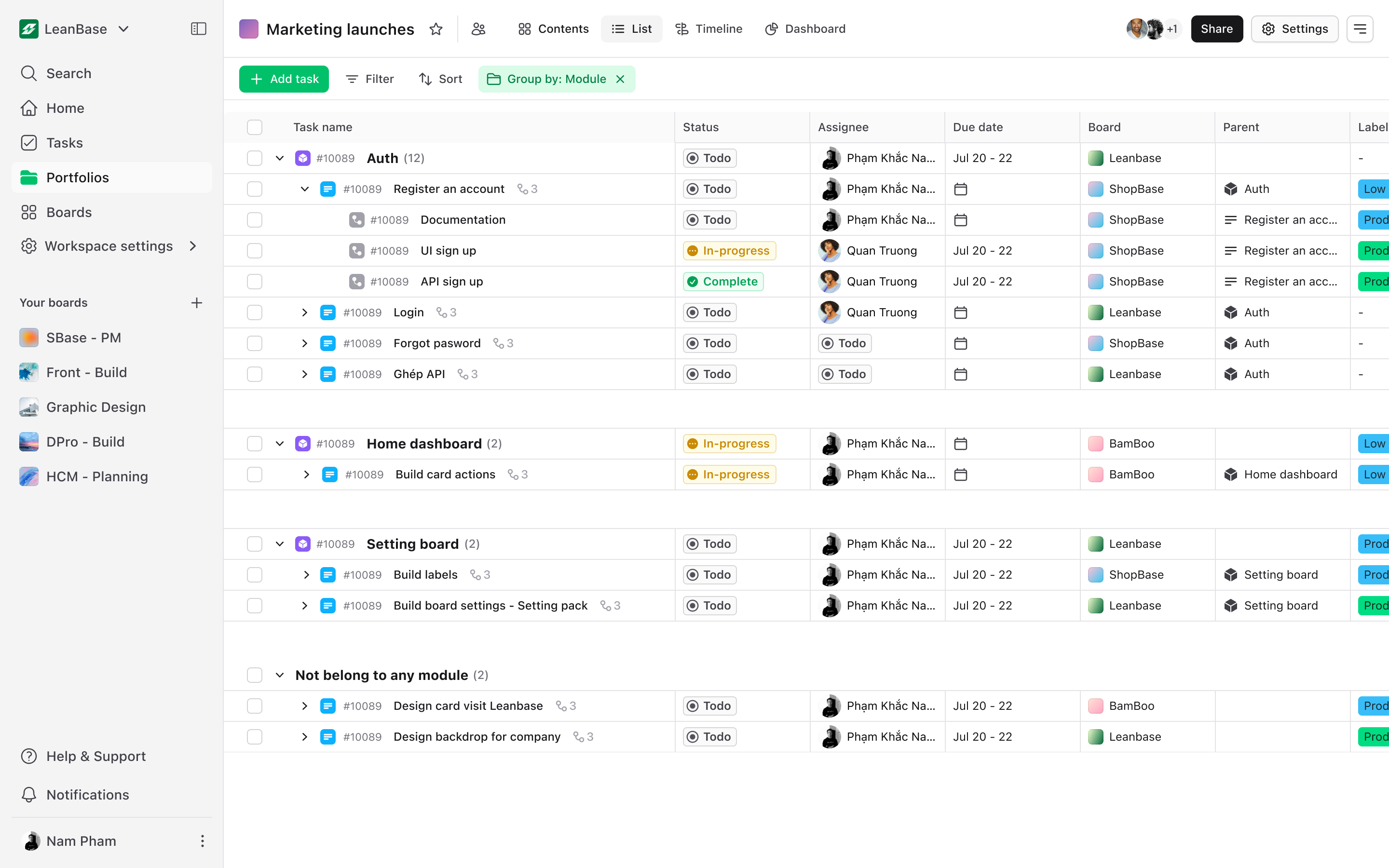
Keep track of tasks across all boards in one place:
Navigate to List tab to see every task in the program.
Use filters like status, priority, or due dates to stay organized.
Easily assign or update tasks directly from the overview.
View Program Report
Get insights into your program’s progress:
Access the Reports section within the program to see detailed analytics.
Track metrics like task completion rate, sprint progress, and team contributions.
Export reports to share updates with stakeholders.
Archive Program
Conclude your project while keeping data intact:
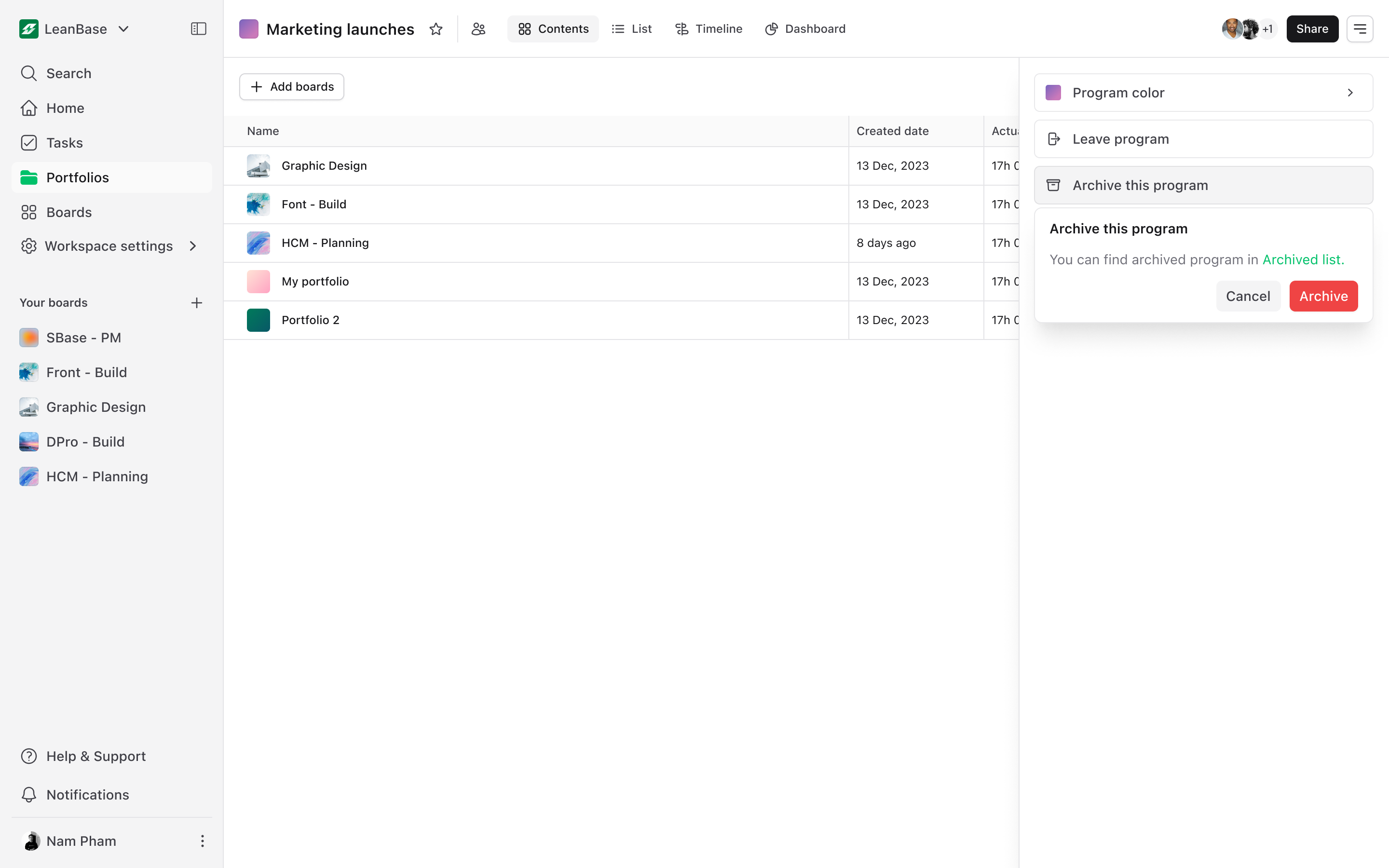
Go to program settings: Navigating to the program setting
-
Click Archive Program: Select button Archive this program to move completed programs out of active view.
Note: Archived programs remain accessible for reference but are no longer editable.