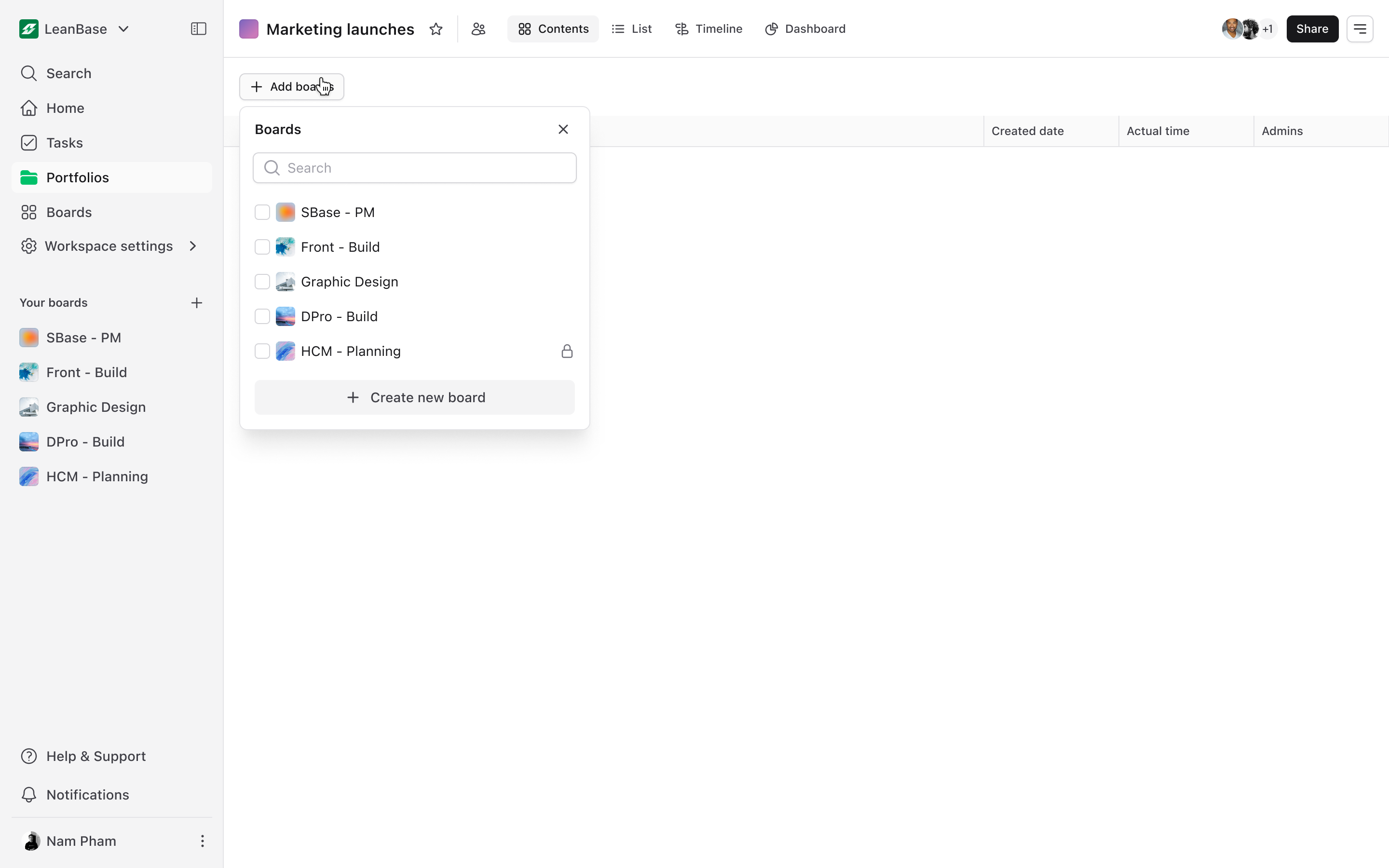
Programs in Leanbase simplify managing multiple boards, tasks, and workflows, keeping large projects, cross-team efforts, or company-wide initiatives organized and connected.
Program in Leanbase helps you organize and manage multiple boards, tasks, and workflows under one unified structure. It’s ideal for overseeing large projects, cross-functional initiatives, or company-wide efforts.
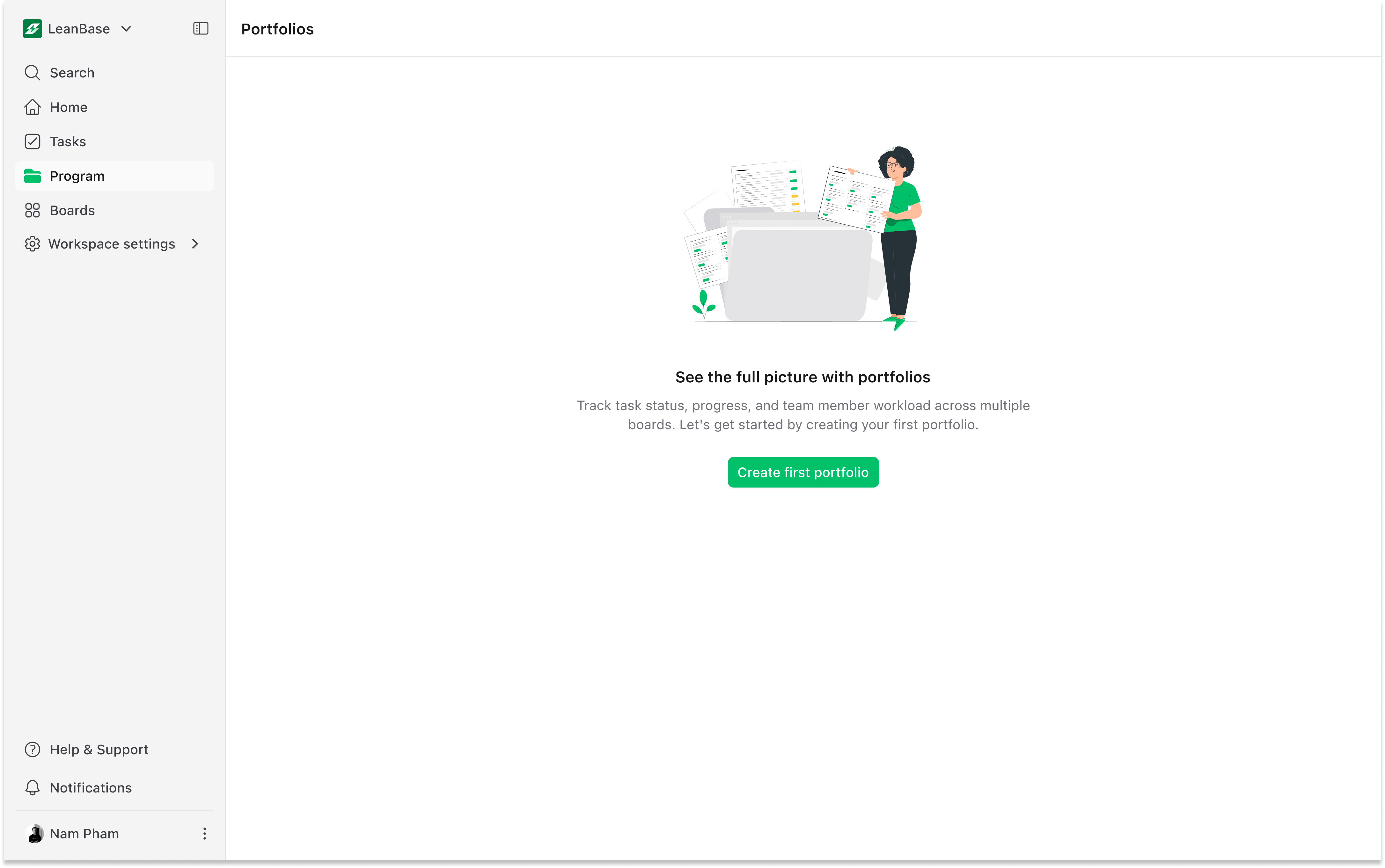
Create New Program
Start a program tailored to your project’s needs:
Go to the Programs button on the side bar
Click Create Program.
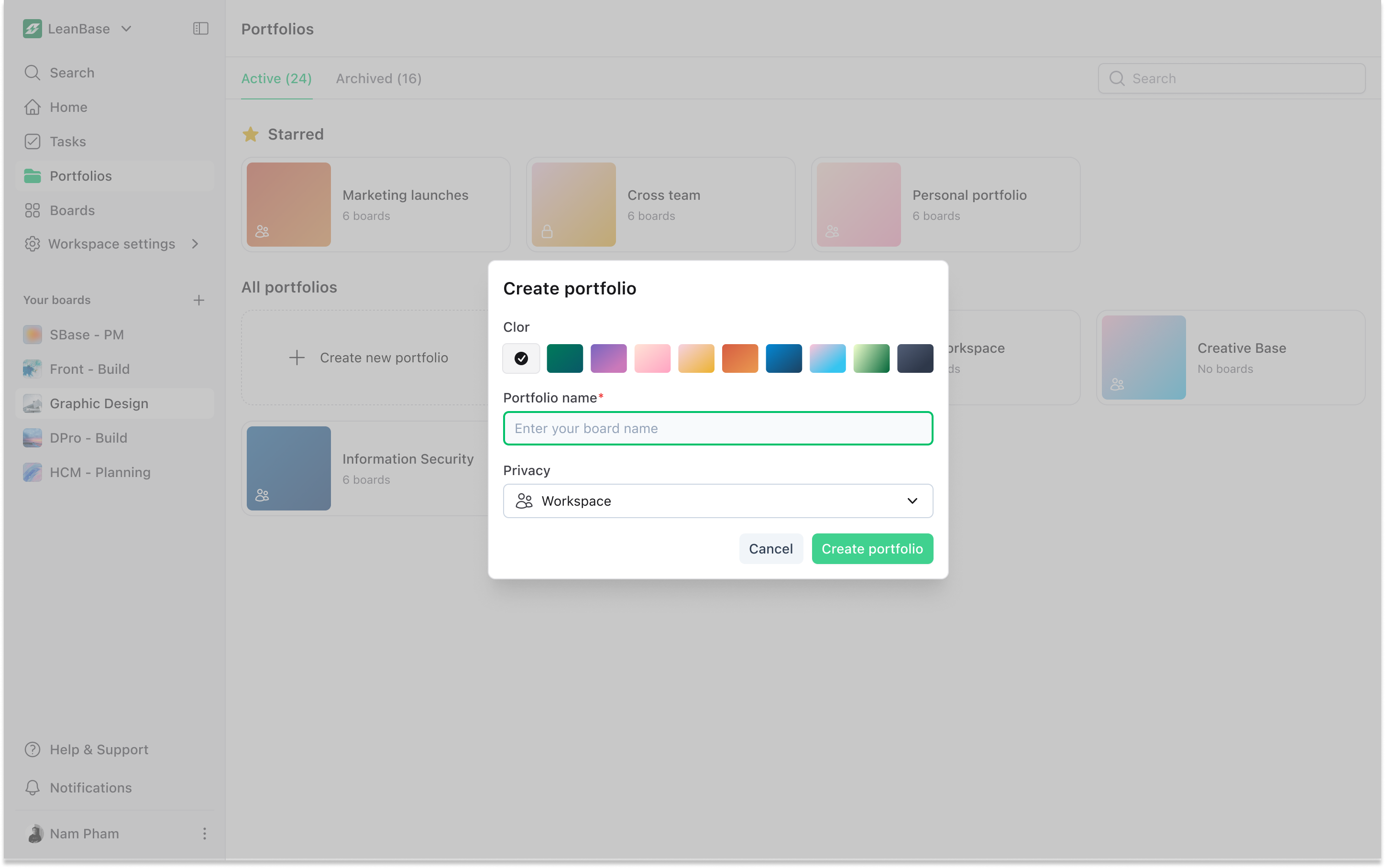
Add a name, choose program background color
Select key settings like privacy to get started.
Set Program Privacy
Control who can access your program:
Workspace Programs: Accessible to everyone in the workspace.
Private Programs: Only visible to program members.
Add Boards to Program
Integrate existing boards or create new ones:
Open the program and click Add Boards.
Choose from existing boards or start fresh with a new board.
Organize boards within the program for seamless navigation and tracking.