Workspaces in Leanbase are hubs for organizing projects, teams, and tasks. They streamline collaboration, assign roles, and maintain clarity across teams. This guide covers creating, managing, and optimizing workspaces for efficiency.
Create workspace in Leanbase
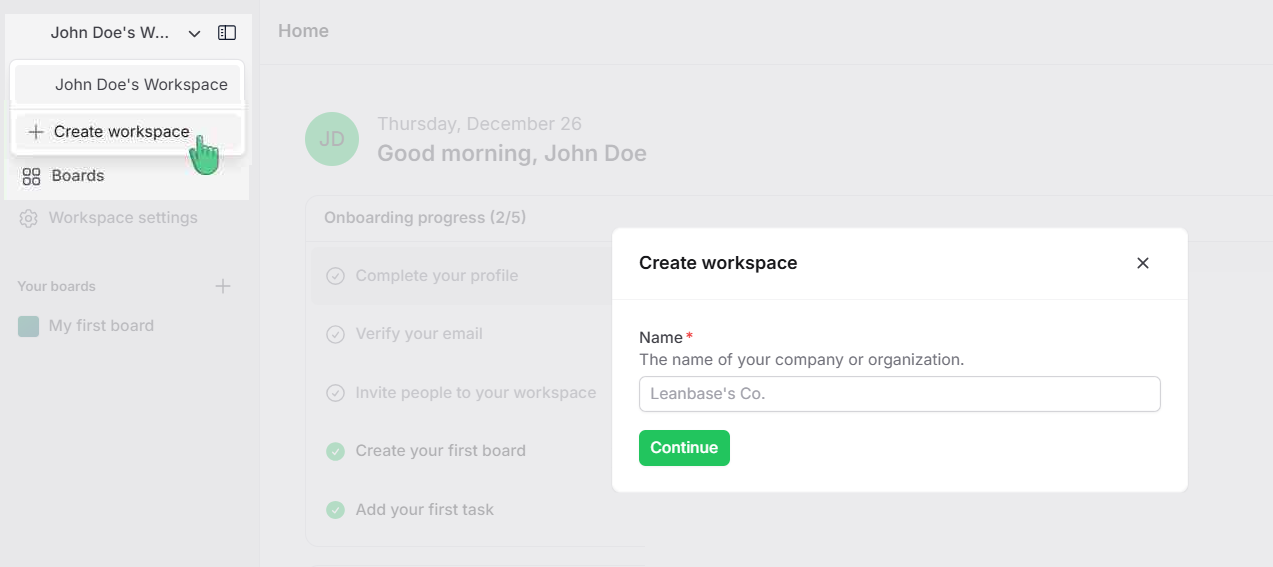
Navigate to your workspace’s name.
Click on the Create workspace button.
Enter a name for your new workspace (e.g., "Marketing Team").
Click Continue to finalize the creation.
Your new workspace is now ready to use, and you can start adding members and projects.
Switch workspace
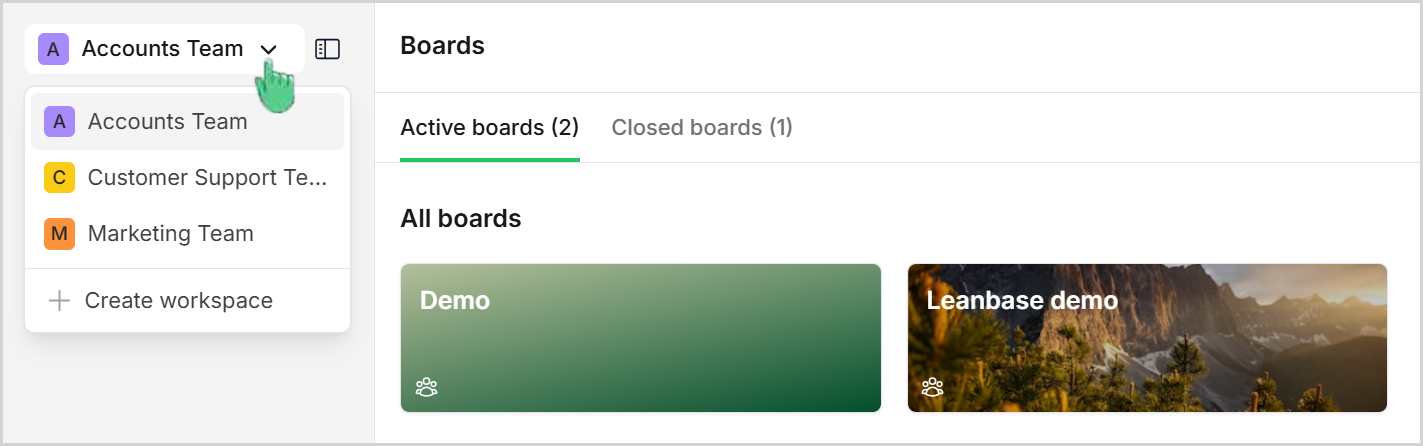
Click on your workspace name in the top navigation bar.
A dropdown list of available workspaces will appear.
Select the workspace you want to switch to.
The system will redirect you to the selected workspace’s dashboard.
Updated over 1 year ago