Getting started for Leanbase Compass: Unlock Actionable Insights with Ease
Welcome to Leanbase Compass, the all-in-one platform to elevate customer support! It integrates tickets, conversations, and feedback from multiple channels, delivering AI-driven insights, trend analysis, and clear reports to stay ahead of customer needs.
What is Leanbase Compass?
Leanbase Compass unifies customer interactions from email, social media, and chat into one hub. It offers AI-powered, human-refined insights, conversation views, contact and product management, task tracking, and trend analysis, transforming data into exceptional customer experiences.
Why Choose Leanbase Compass?
Leanbase Compass is your partner in delivering outstanding customer experiences. Unifying conversations and providing AI-driven insights and organized data, it helps you:
Resolve issues faster with AI assistance.
Understand customer needs through trend analysis.
Build stronger relationships with personalized contact management.
Optimize your products based on real feedback.
Ready to elevate your customer support game? Let’s dive into how to get started with Leanbase Compass to boost your team productivity and build true features that customers love!
Step 1: Set Up Your Leanbase Compass Account
Create Your Account
Visit the Leanbase Compass Website: Head to Leanbase Compass and click “Sign Up.”
Enter Your Details: Provide your email and a secure password.
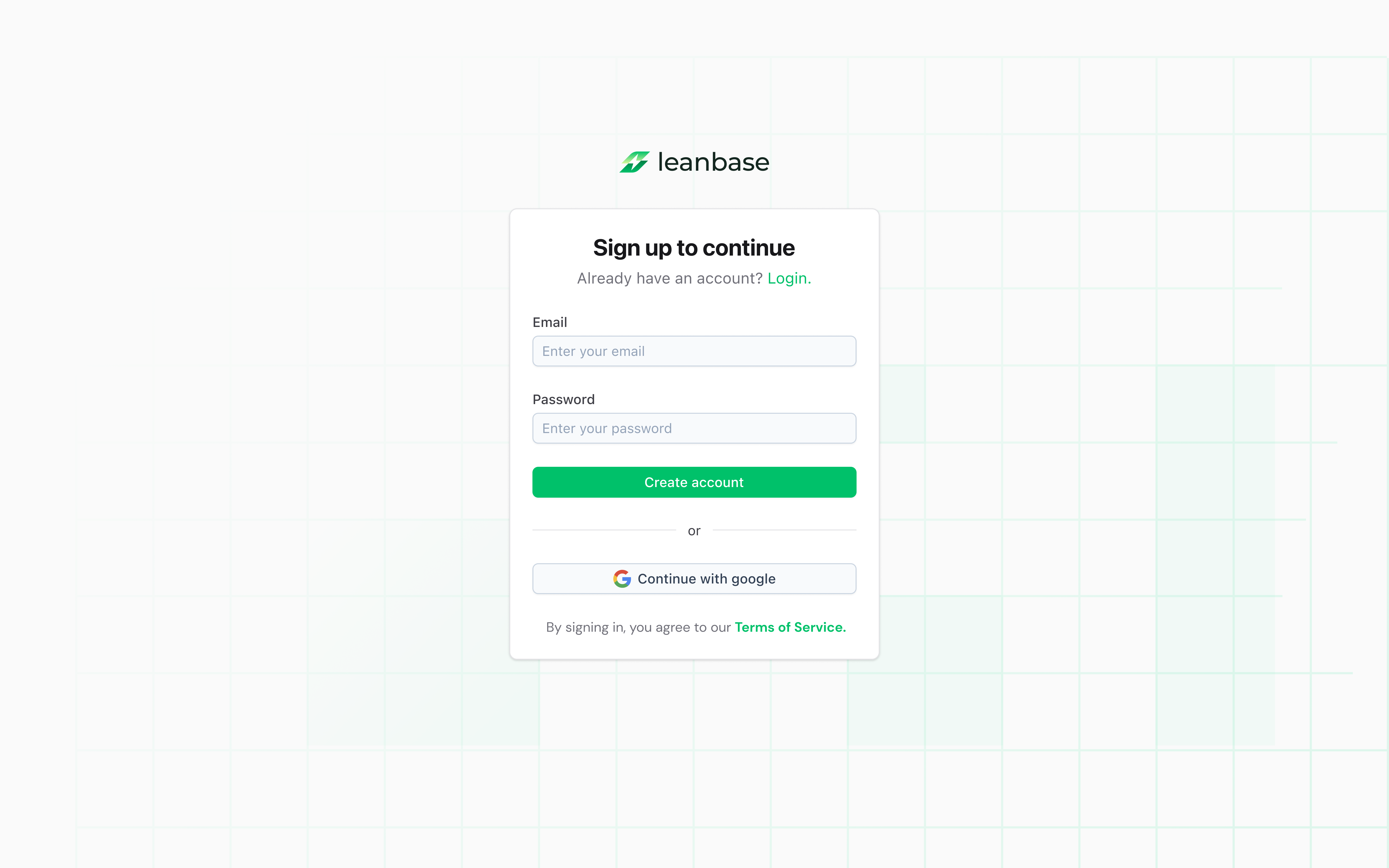
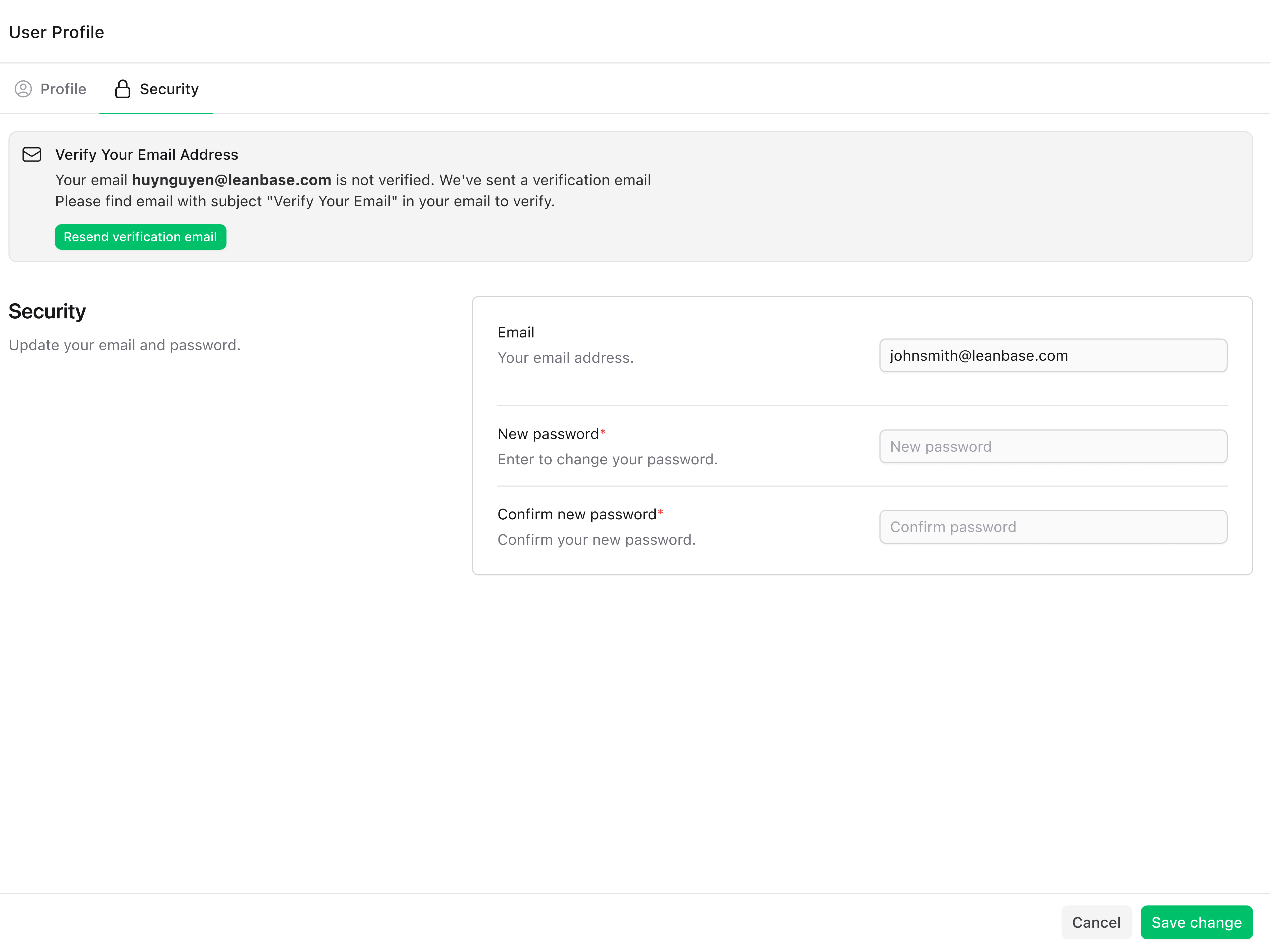
Verify Your Email: Check your inbox for a confirmation link to activate your account.
Pro Tip: Use a business email address to align with your brand and improve trust signals
Step 2: Connect Your Channels
Leanbase Compass pulls tickets, conversations, and feedback from multiple channels to create a unified view. Connecting your channels is the foundation of unlocking powerful insights.
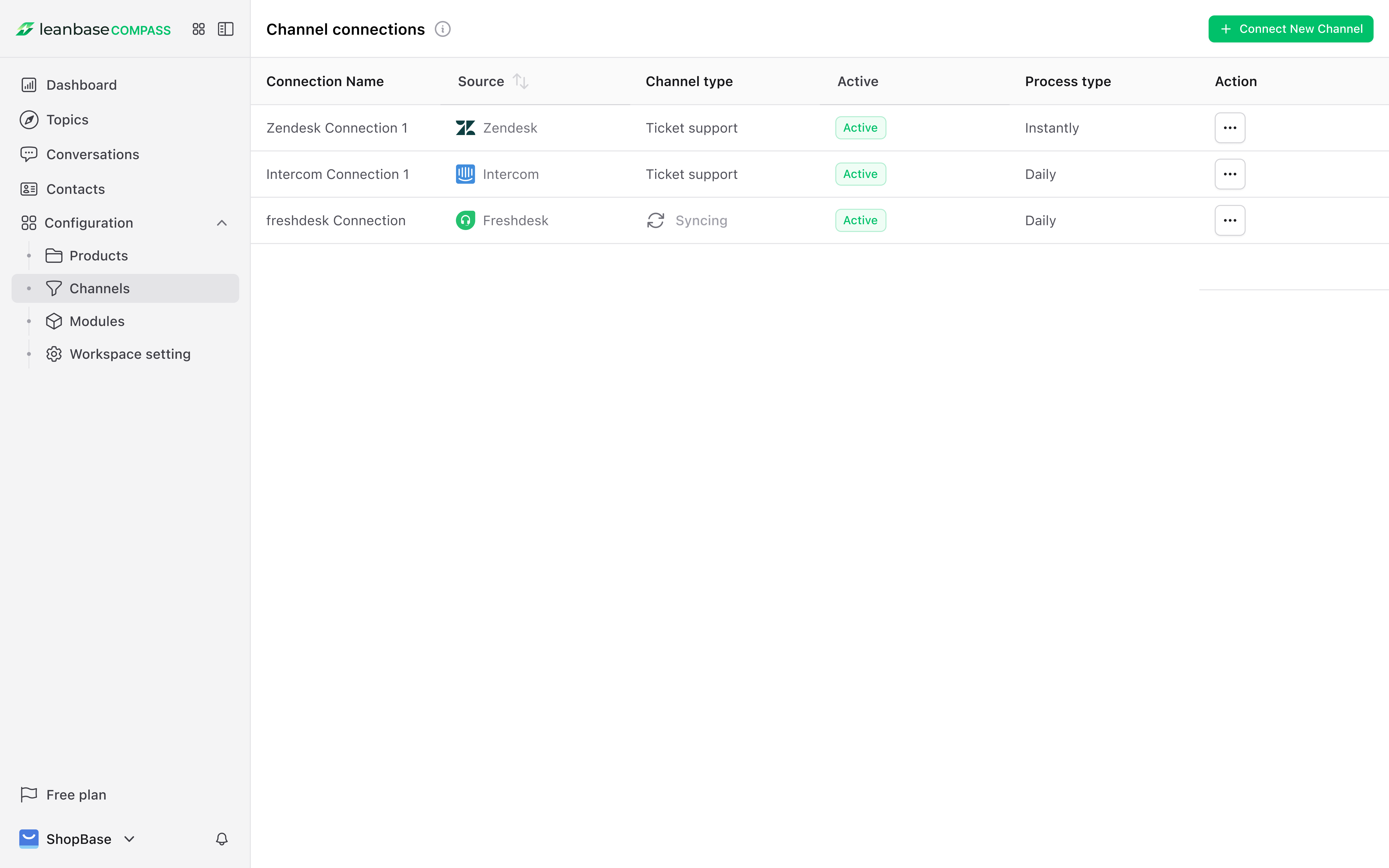
Navigate to Channels Settings: From the dashboard, go to “Configuration” > “Channels.”
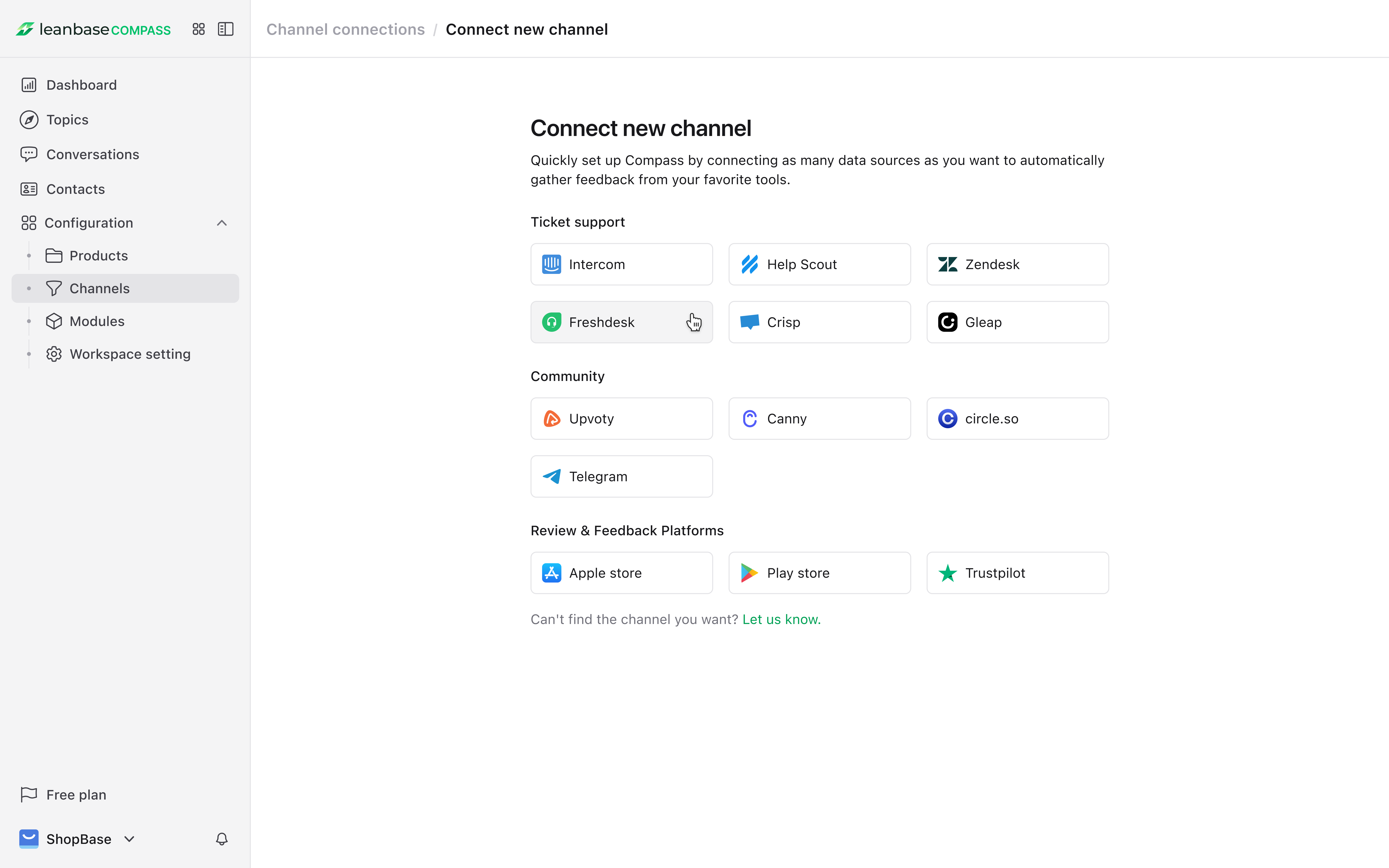
Select button Connect new Channel: Hit on button Connect New Channel on the right to proceed next step
-
Select Your Platforms: Choose from supported channels like:
Ticket support(e.g., Intercom, Freshdesk)
Community (e.g., Upvoty, Canny)
Review & Feedback Platforms(e.g., Apple Store, Play store)
Authenticate Each Channel: Follow the guideline to securely connect each platform
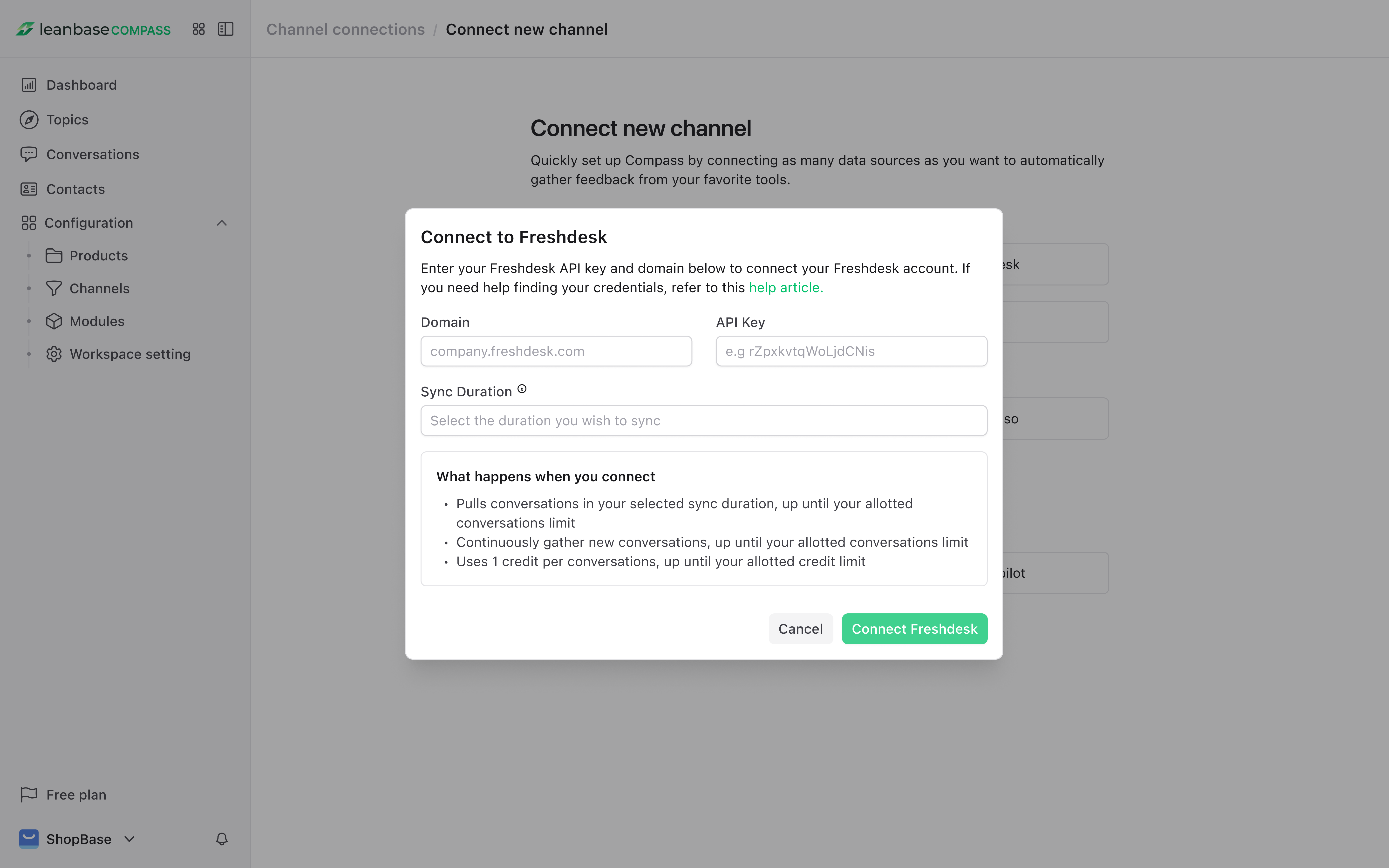
Wait for the server to sync successfully from your channel to Leanbase Compass: When synced successfully, you can open your connection in detail to view and edit the connection information or re-sync if needed.
Step 3: Explore Key Term of Leanbase Compass
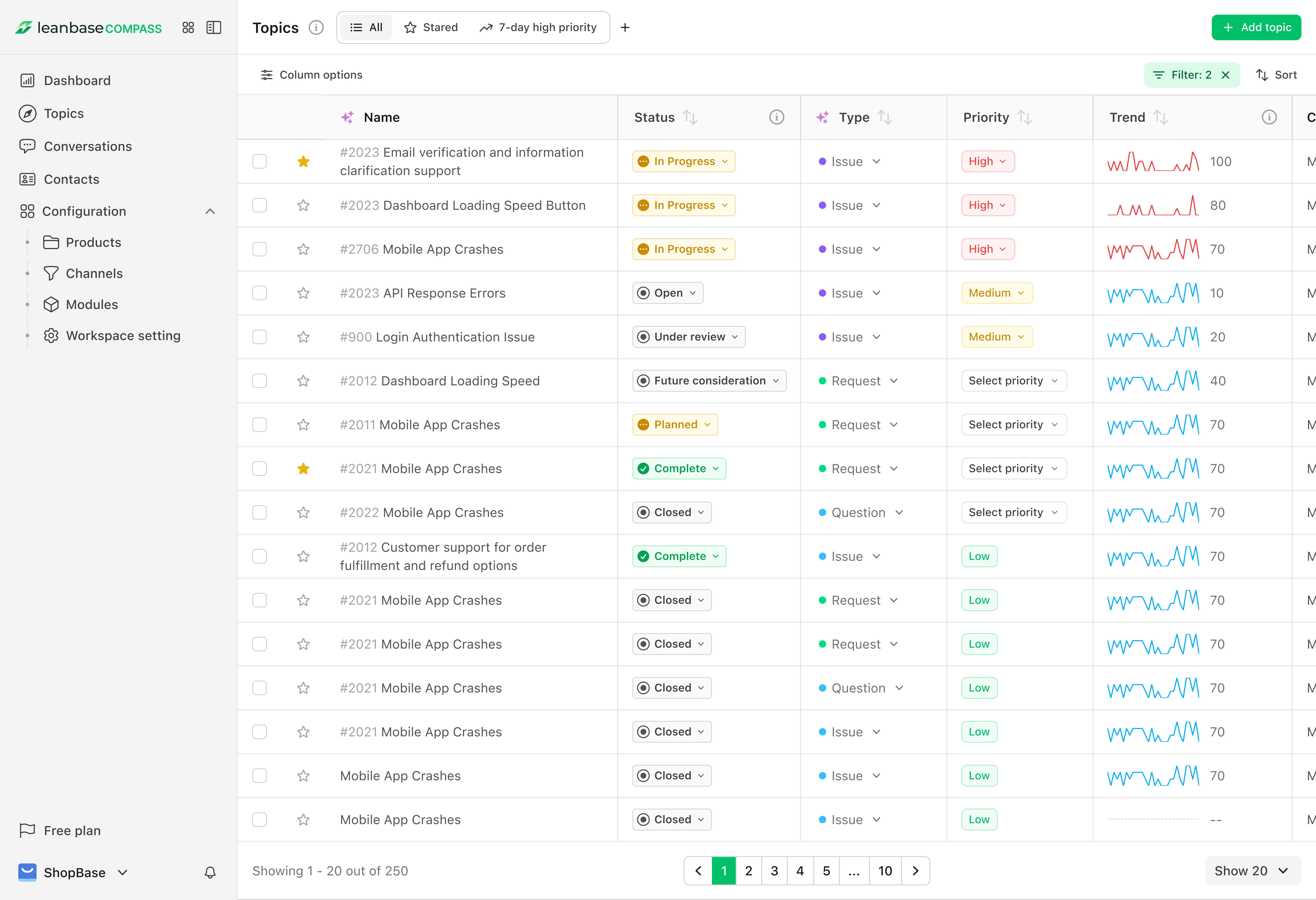
Topics: Topics are the heart of Leanbase Compass, combining AI analysis with human expertise to uncover actionable insights from customer interactions.
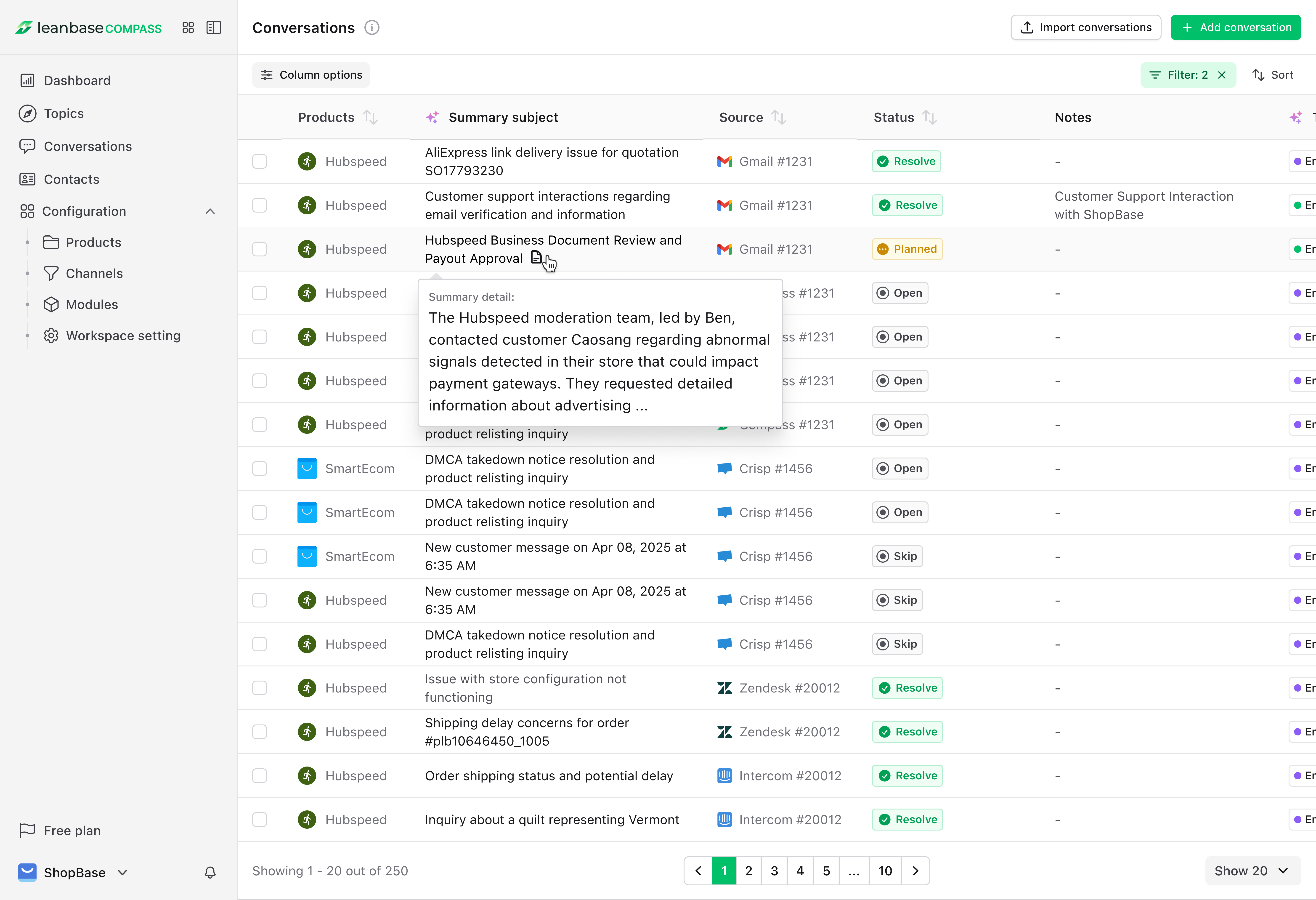
Conversation: The Conversations tab provides a consolidated view of all tickets, feedback, and interactions pulled from your channels.
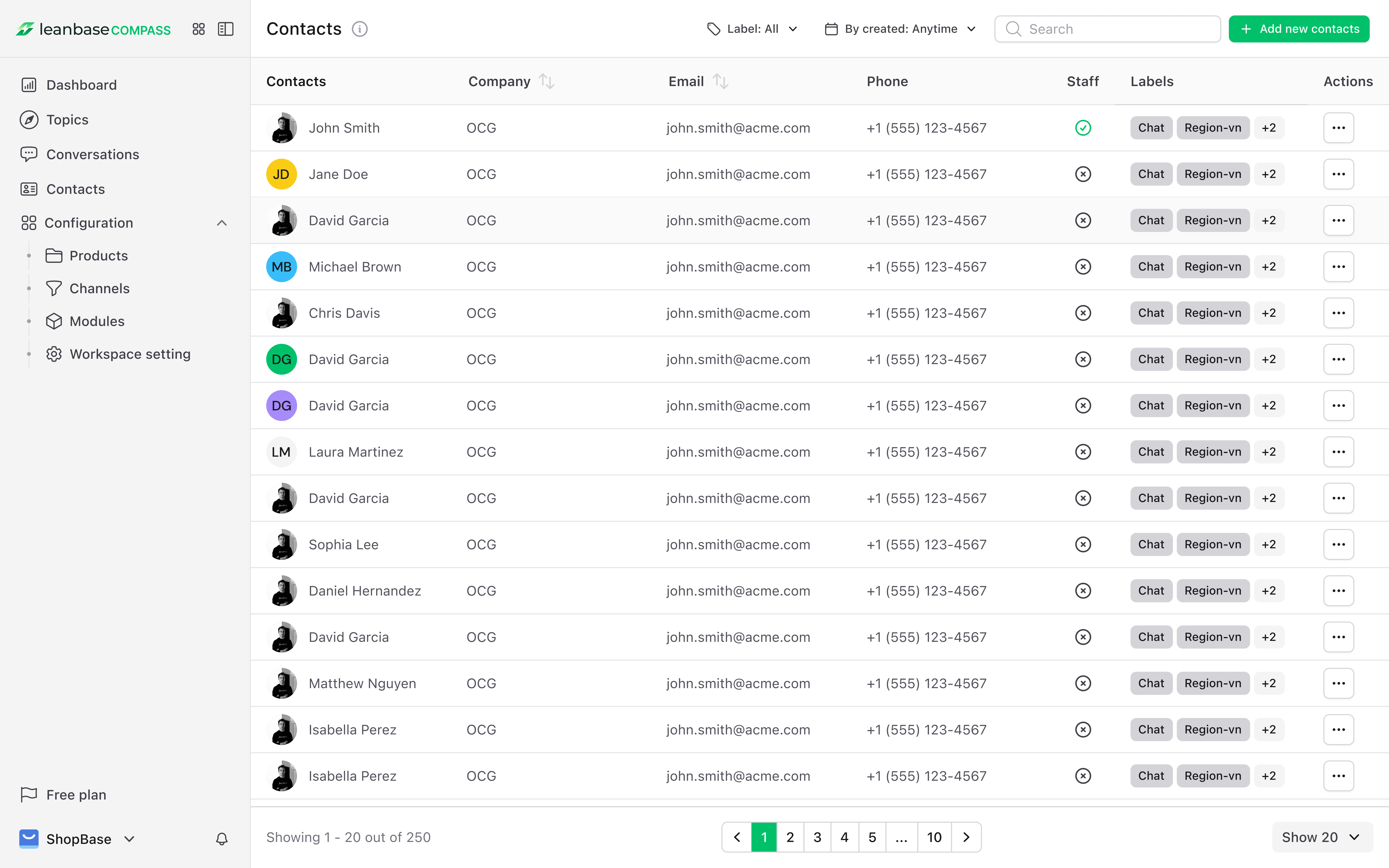
Contact: The Contacts section centralize customer data for personalized engagement and consolidated management.
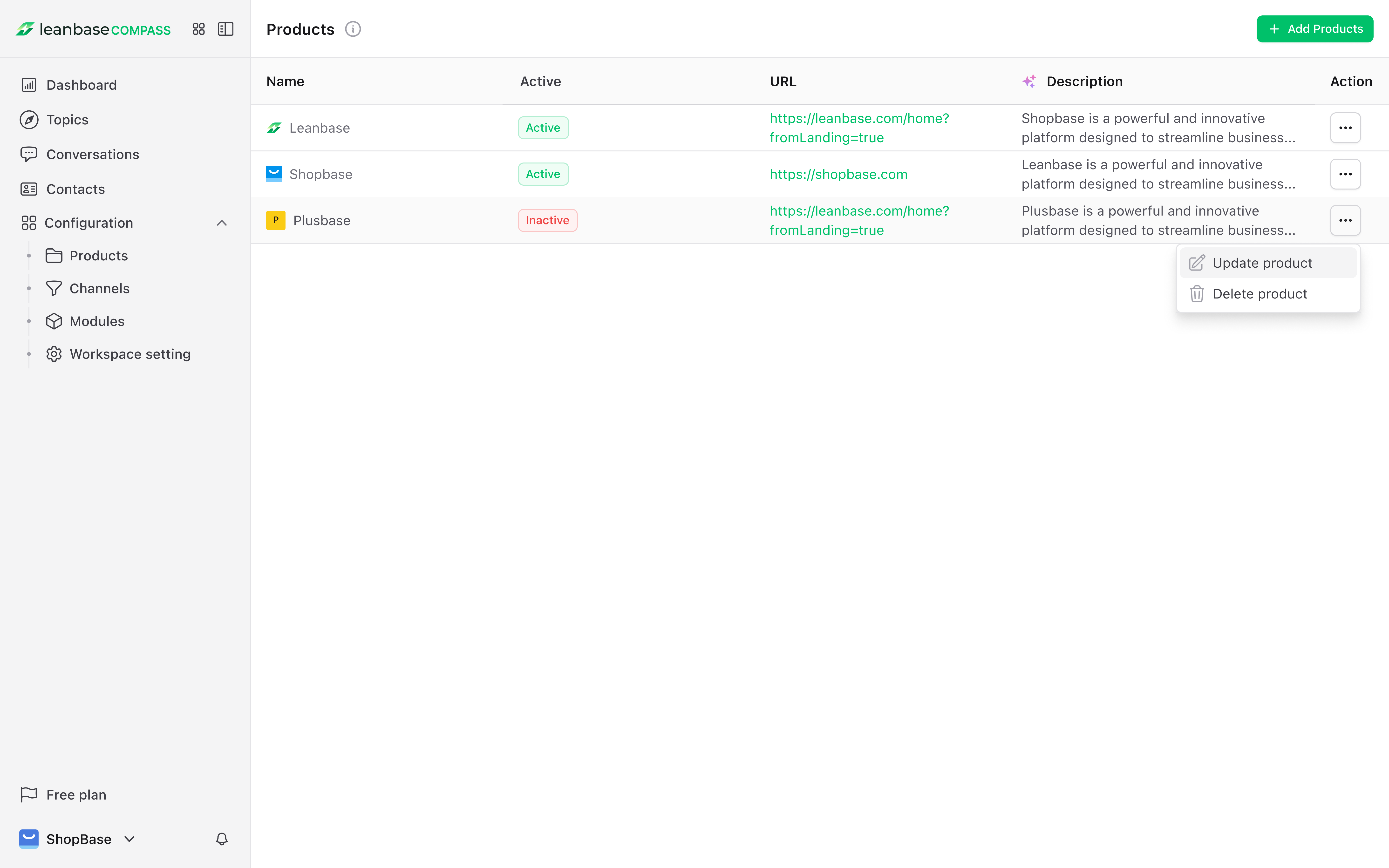
Product: Product represent your company offerings (eg: big firm consist of smaller companies, companies have multiple products)
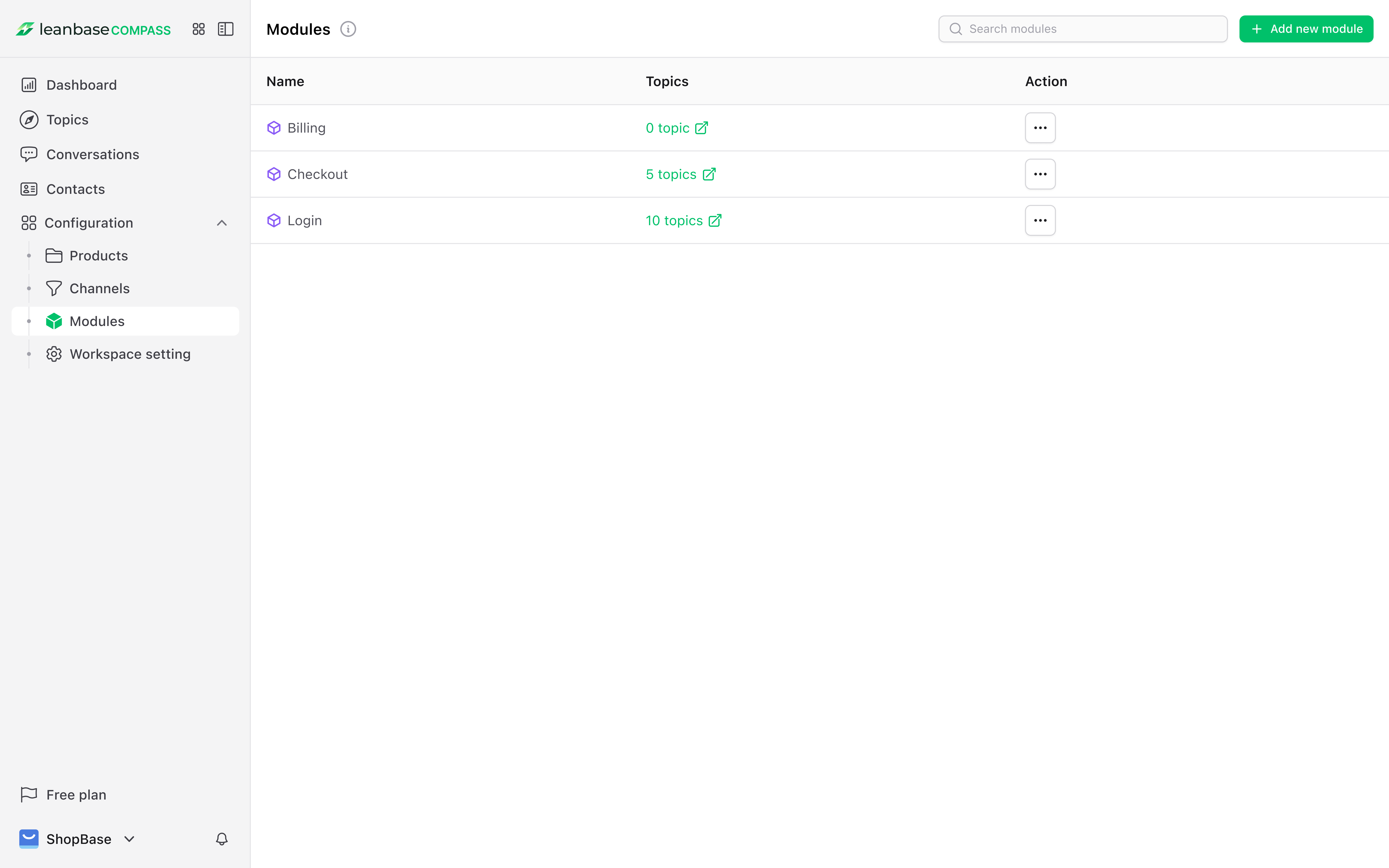
Module: Organize customer insights easily with modules which group related topics for streamlined analysis. AI can help you map equivalent subjects into modules. If you cannot find the correct module.
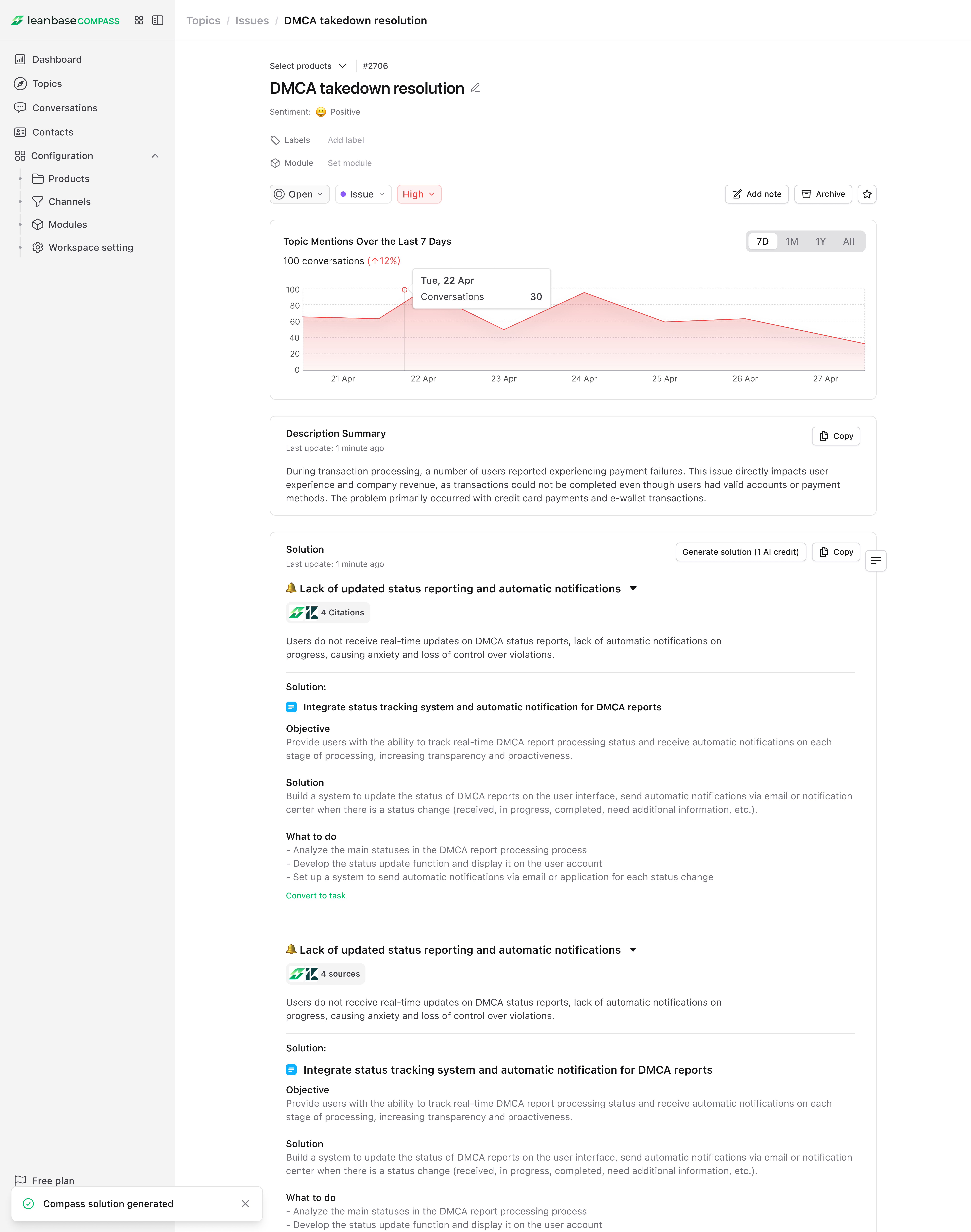
AI Assistant: AI-powered assistant helps you tackle issues quickly by summarizing, identifying key issues & rootcause together with proposed actionable solutions
Step 4: Track Tasks and Monitor Trends
Task Tracking
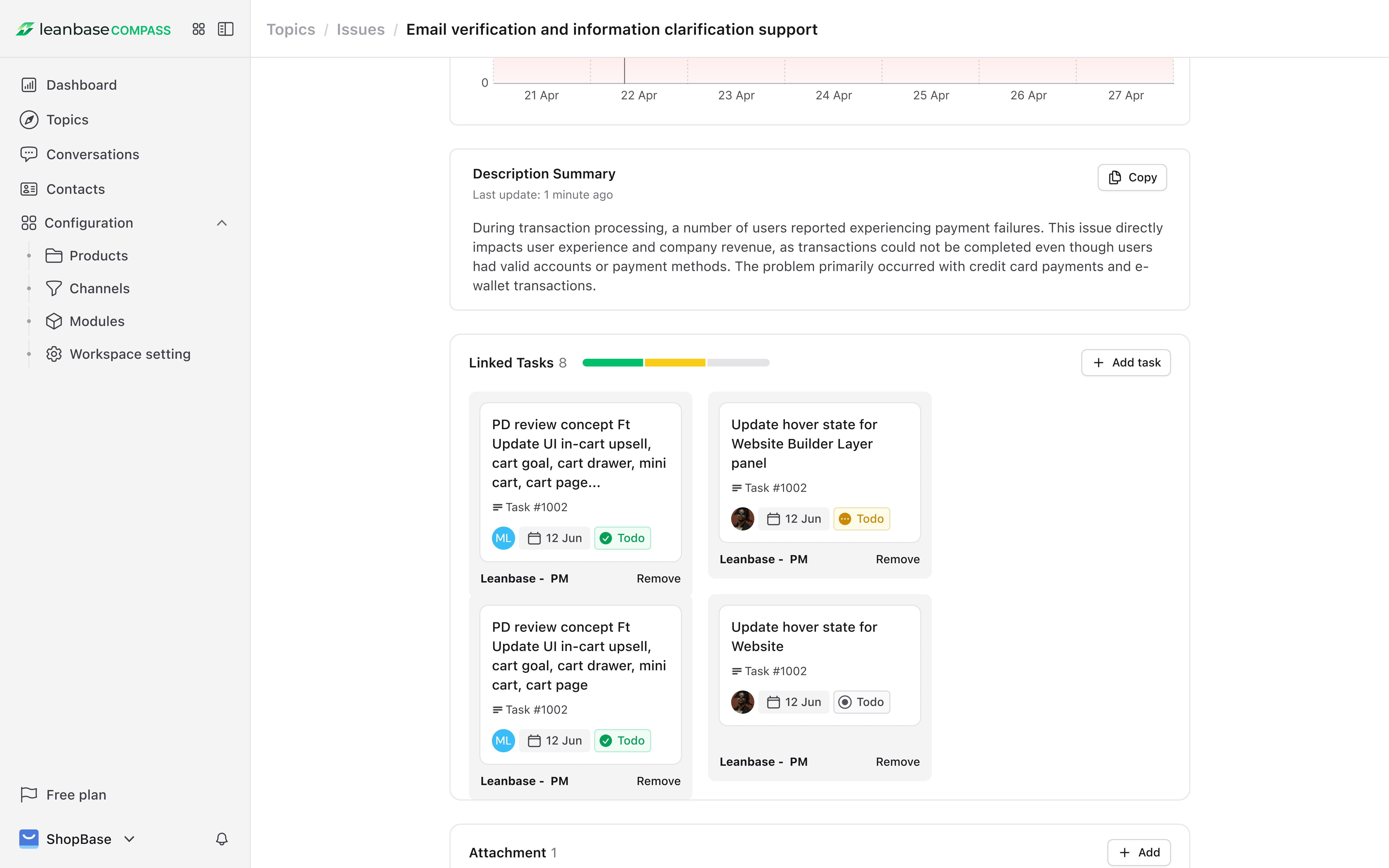
Assign Tasks: From the “Conversations” or “Topics” tab, assign tasks to team members for follow-up.
Monitor Progress: Use the “Tasks” dashboard to track completion status and deadlines.
Integrate with Tools: Sync tasks with tools like Trello or Asana for seamless collaboration.
Statistical Analysis
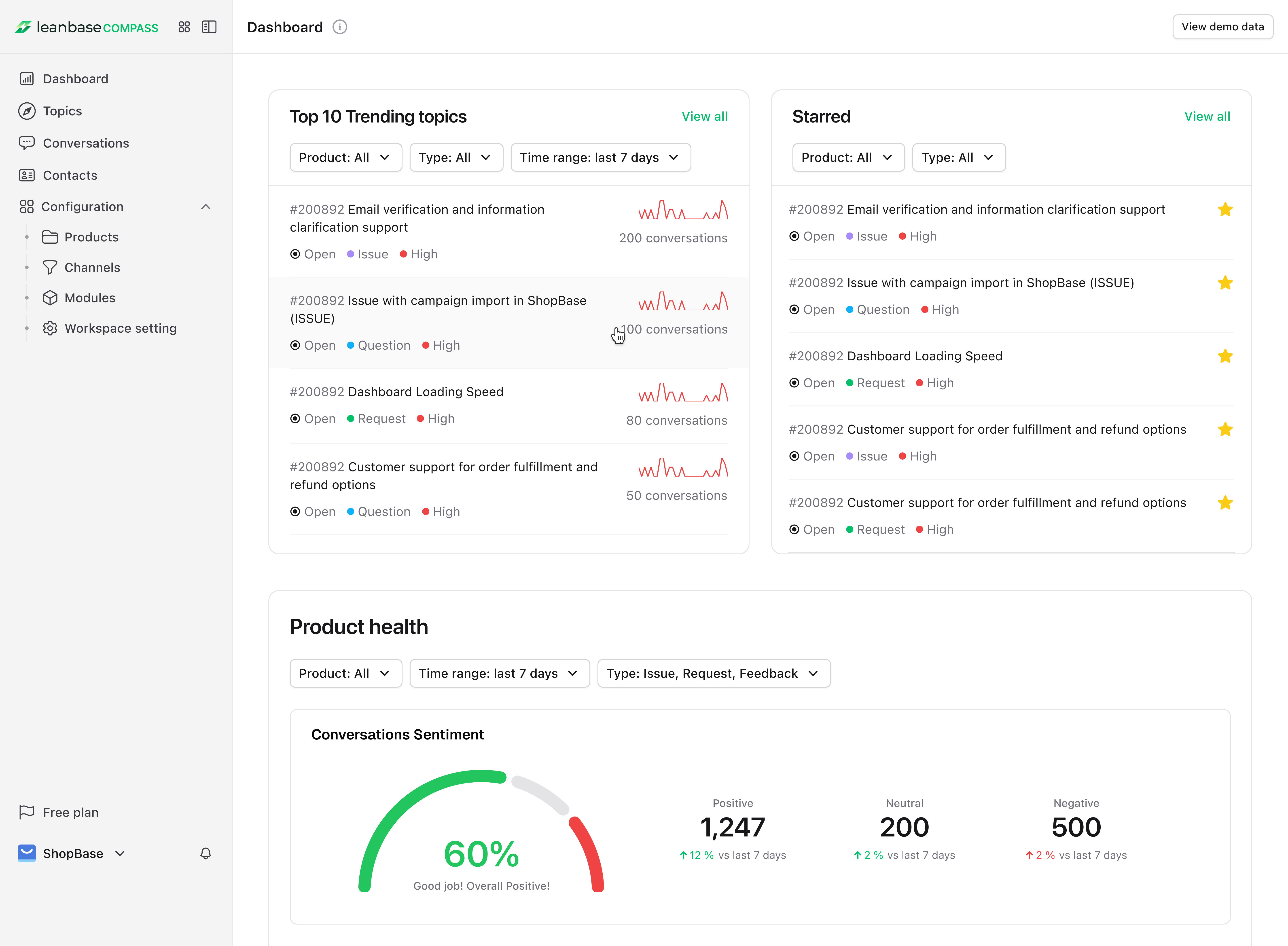
View Trends: Access the “Home Dashboard” to track conversation volume trends by topic, channel, or product to see customer conversation trends.
Monitor Product Health: Review overall stats, including topic count, issues in progress, unresolved issues, and resolution rates for timely action.
Identify Patterns: Detect recurring issues or popular topics to guide product or service enhancements, with trends viewable by selected time ranges.
Export Reports: Download trend data for presentations or strategic planning.
Ready to Dive In?
Log in to Leanbase Compass now and connect your first channel to start unlocking insights. Need help? Our support team is just a click away. Let’s make your customer interactions smarter, faster, and more impactful!